 NeutralLUT
Travel and daily footage
For DJI Pocket 3 / Pocket 4 clips that need a cleaner cinematic direction fast.

DJI Pocket 4 Starter LUT Pack — 6 Cinematic Looks


A 6-look starter set of cinematic .cube LUTs for DJI Pocket 4, Pocket 4 Pro and Pocket 3 creators — get a fast, clean cinematic grade without committing to the full bundle.
6 standard .cube LUTs · instant digital download · no shipping.
CapCut · Adobe Premiere Pro · Final Cut Pro · DaVinci Resolve — anywhere .cube LUT import is supported. Use on DJI Pocket 4 / Pocket 4 Pro / Pocket 3, Osmo, Mini and Mavic footage.
These are creative color LUTs — a style starting point, not a technical D-Log M to Rec.709 conversion. They cannot rescue badly exposed footage.
Download the free DJI LUT sample and test the look on your own footage first.
This Starter is 6 of our 18 cinematic looks. Upgrade to the full DJI Creator LUT Pack — 18 Cinematic Looks.
Real LUT sample gallery
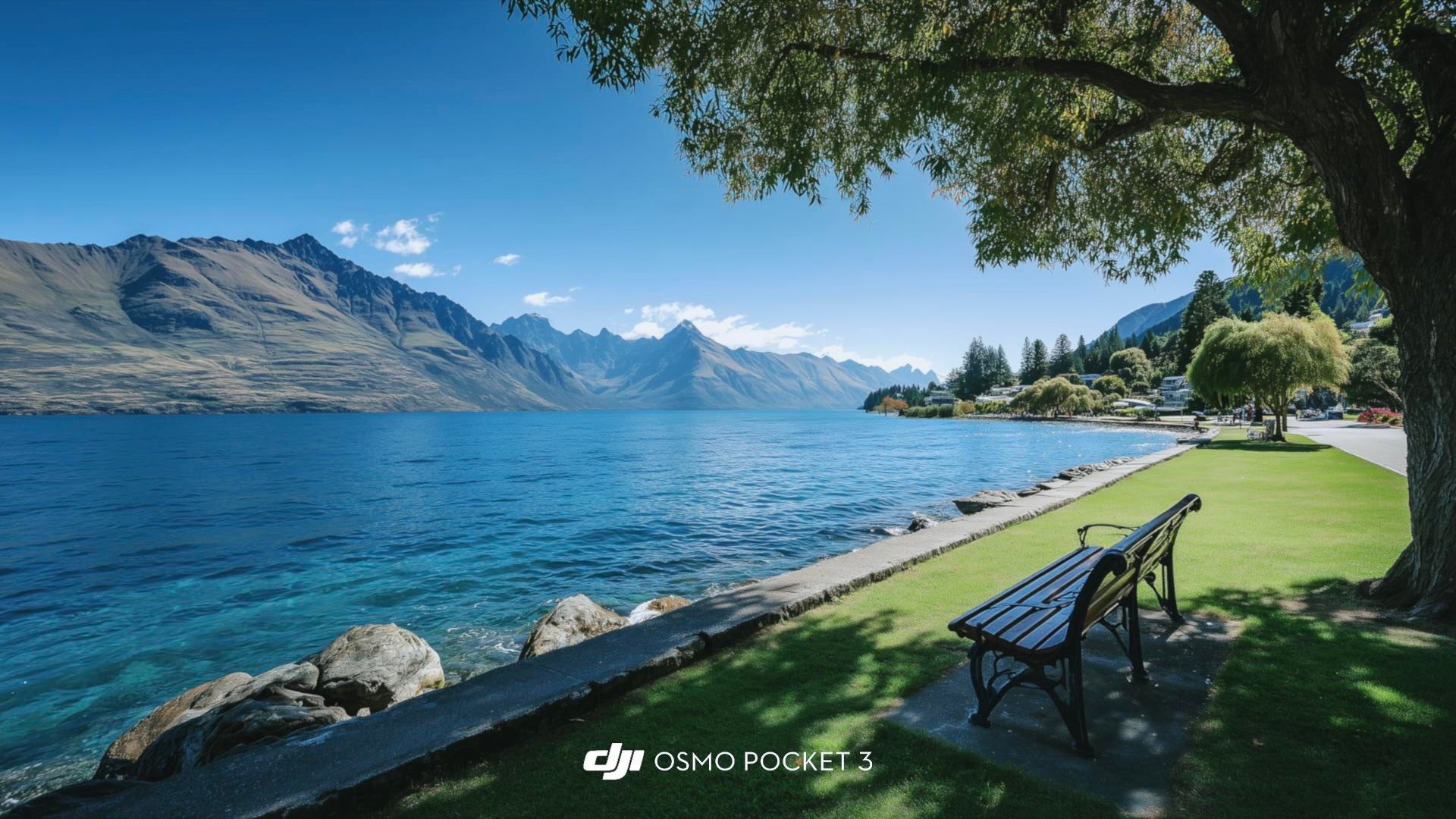
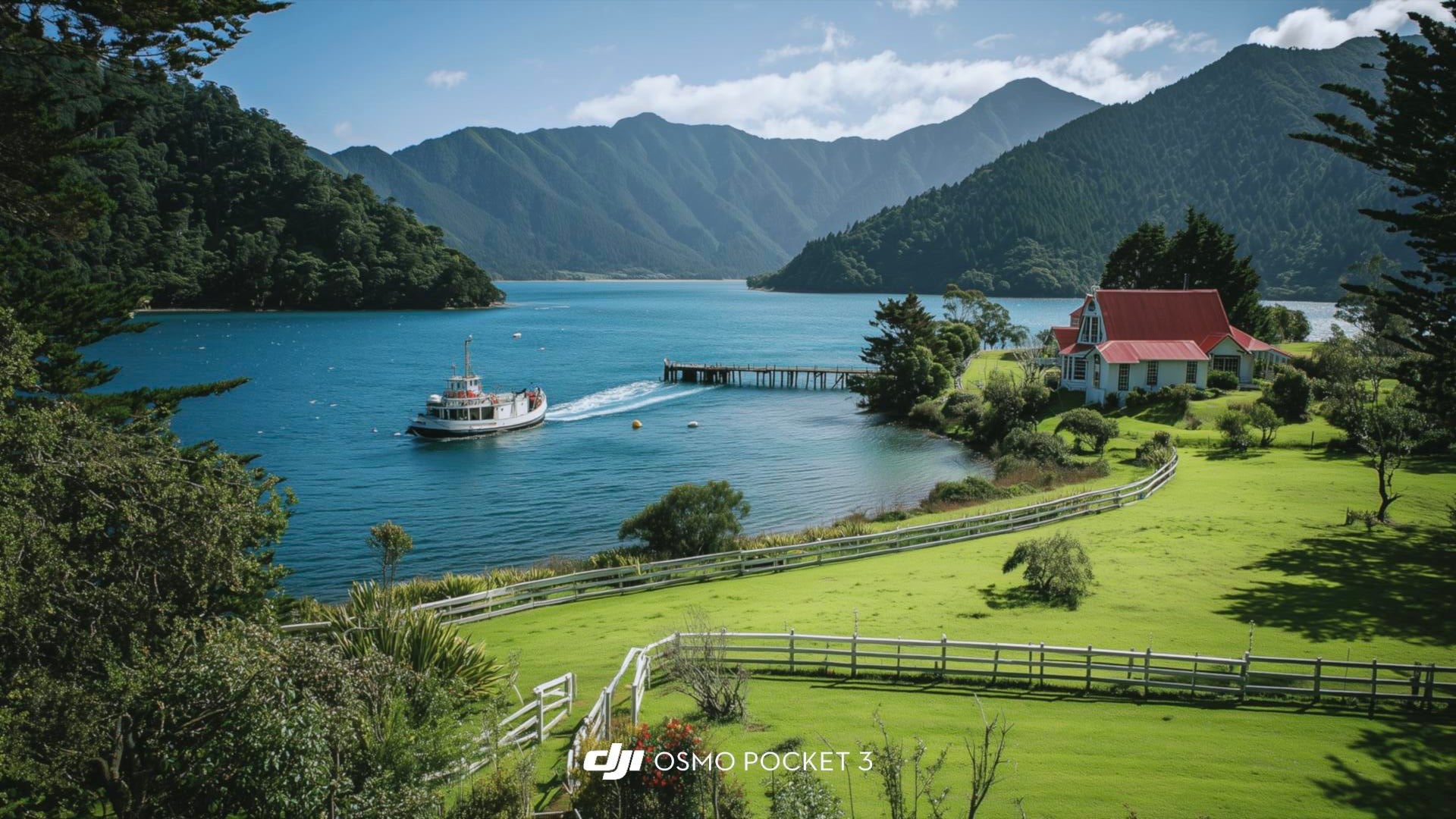
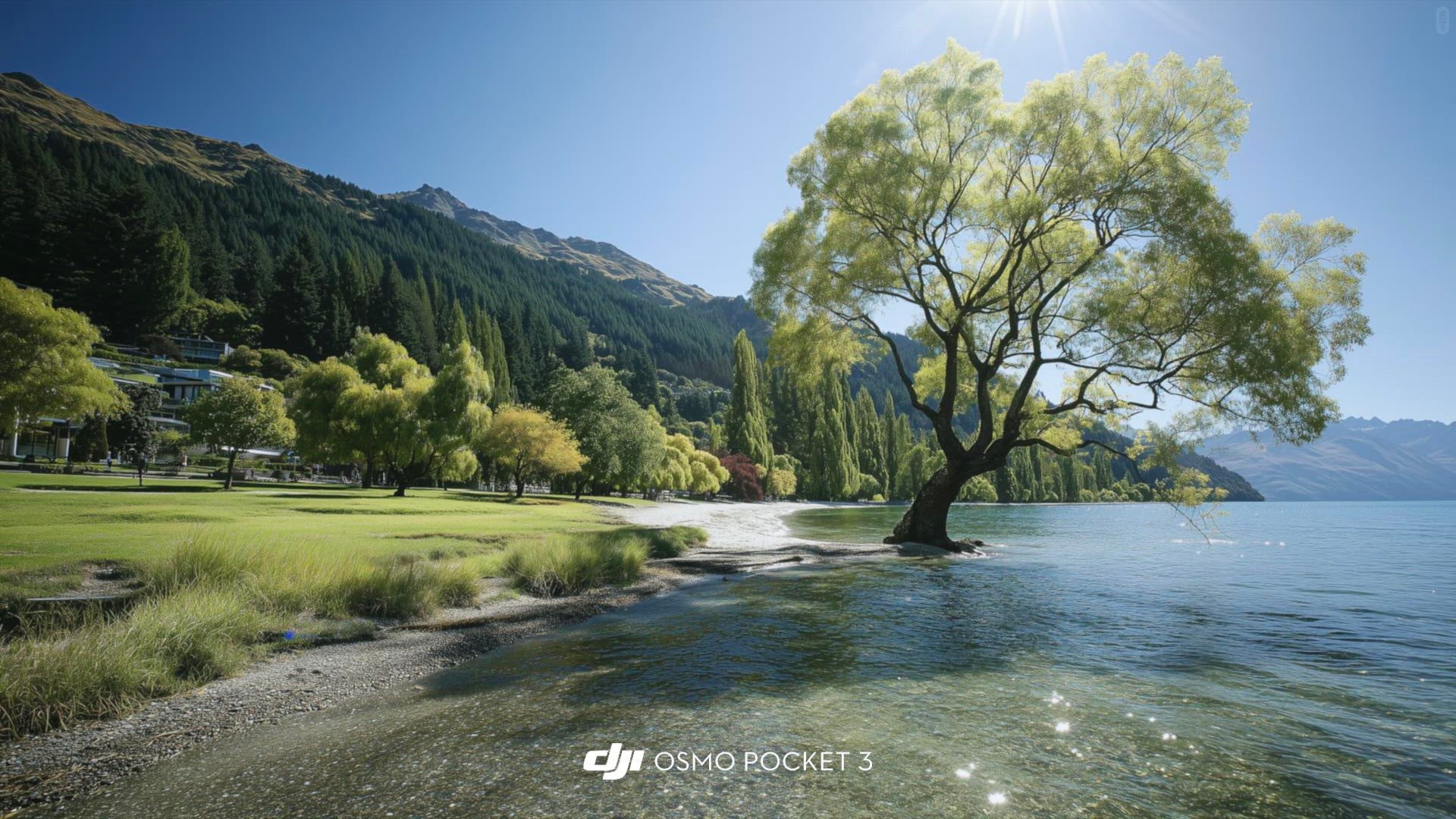
These are the new frames I added to make the LUT pack easier to judge: lakes, market colors, fruit close-ups, ducks by the river, soft village light and bright mountain greens. They show how the looks handle the everyday scenes Pocket creators actually shoot.


Use these as direction, not a promise that every clip will match exactly. Fix exposure and white balance first, then adjust LUT strength for the shot.
These preview cards use a neutral-looking base on the left and the graded creative look on the right. Use them as a visual guide, then adjust exposure, white balance, contrast, and LUT intensity on your own clips.
NeutralLUTFor DJI Pocket 3 / Pocket 4 clips that need a cleaner cinematic direction fast.
 NeutralLUT
Useful for lakes, skies, streets, and travel cuts where consistency matters.
 NeutralLUT
A base look for Reels, Shorts, CapCut edits, and quick client previews.
Want to test the look on your own footage first? Download the free DJI LUT sample, then come back for all 18 cinematic looks.
Free sampleHow to use LUTsThis pack is designed for creators who want DJI creator footage to feel more polished, more cinematic, and more cohesive without spending too much time grading every clip from scratch.


Use it as your creative base look to immediately move footage closer to a finished aesthetic.
Reduce or increase intensity based on lighting, subject, and how dramatic you want the result to feel.
Keep editing focused on story and pacing instead of rebuilding color treatment for every clip.
Travel footage, landscapes, lake and mountain scenes, lifestyle clips, and everyday cinematic capture where you want a cleaner, more atmospheric finish.
No. The intended use is a durable grade, not a gimmick look. If the source scene is already rich, just reduce the intensity and keep it natural.
Yes. One of the core benefits is giving you a strong visual starting point so you do not need to build a look entirely by hand.
No LUT can replace good source material. It improves style and consistency, but it cannot fully fix poor exposure, weak composition, or broken footage.
This pack is most useful when you need your DJI creator footage to look intentional, polished, and consistent while keeping your grading workflow light and repeatable.
These preview cards use a neutral-looking base on the left and the graded creative look on the right. Use them as a visual guide, then adjust exposure, white balance, contrast, and LUT intensity on your own clips.
NeutralLUTDesigned for DJI Pocket 3 / Pocket 4 clips that need a cleaner cinematic direction fast.
NeutralLUTUseful for lakes, skies, streets, and travel cuts where consistency matters.
NeutralLUTWorks as a base look for Reels, Shorts, CapCut edits, and quick client previews.
Want to test the look on your own footage first? Download the free DJI LUT sample, then come back for all 18 cinematic looks.
Free sampleHow to use LUTs